Last Updated: 28 October 2025
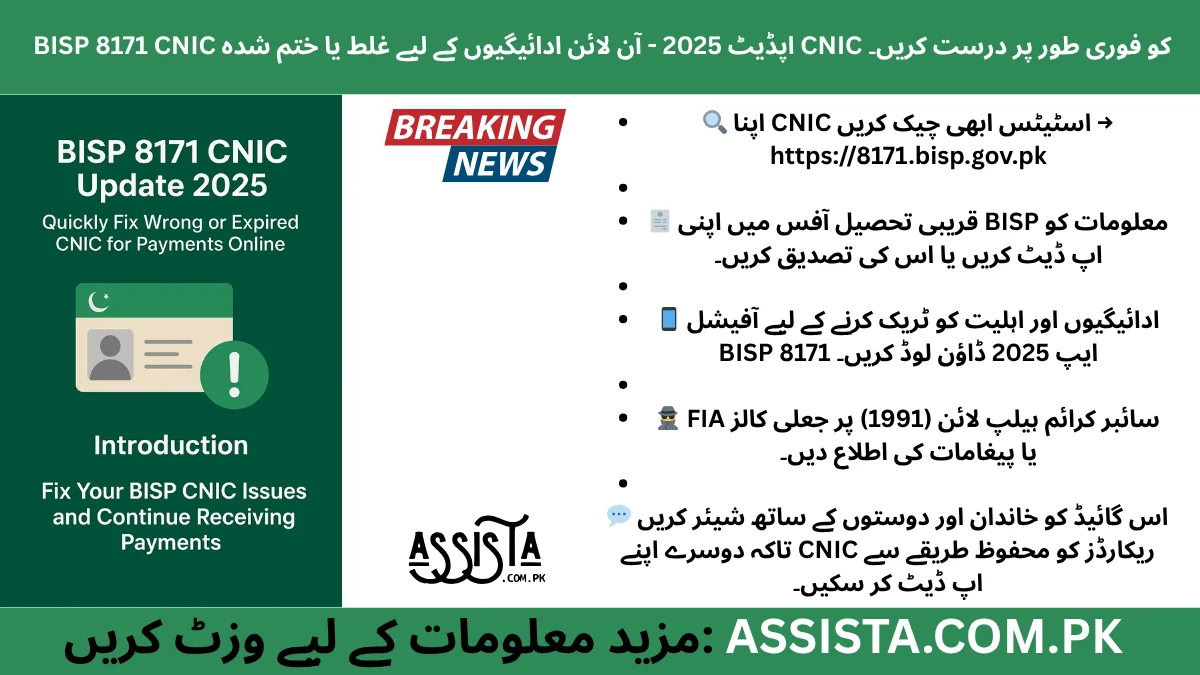
Introduction – Fix Your BISP CNIC Issues and Continue Receiving Payments
In 2025, millions of low-income families across Pakistan rely on the Benazir Income Support Programme (BISP) to cover essential expenses such as groceries, school fees, and medical bills. However, a surprisingly large number of beneficiaries miss out on their monthly payments because of expired or incorrect CNICs. A seemingly small detail, like an outdated CNIC, can halt your financial support for months, creating unnecessary stress for families already struggling to make ends meet.
The good news is that the BISP 8171 CNIC Update 2025 system has simplified the process for updating or correcting CNIC information. Whether your CNIC is expired, contains errors, or was never verified, you can now fix it using official online portals, SMS, WhatsApp, or by visiting a NADRA center. This not only ensures that your payments continue without interruption but also protects your eligibility and maintains accurate records in BISP’s database.
Take, for example, Fatima Bibi from Sukkur, who missed her stipend for two consecutive months because her CNIC had expired. Once she visited her local NADRA office, renewed her CNIC, and submitted the BISP 8171 update form, her payments resumed within a few days. Stories like Fatima’s highlight the importance of staying proactive about CNIC updates.
By understanding the verification process, updating methods, and common pitfalls, you can prevent such delays and ensure that BISP payments reach you reliably every month.
Why CNIC Verification Matters for BISP Payments (2025 Rules)
Your CNIC is more than just an identification number. It is the primary link between you, NADRA, and the BISP system. In 2025, the rules are clear: unverified or expired CNICs automatically pause BISP payments. This step is crucial to prevent fraud, duplicate registrations, and errors in payment disbursement.
The verification process ensures that only eligible beneficiaries receive funds. If your CNIC details—such as name spelling, date of birth, or marital status—do not match NADRA records, BISP cannot release your stipend until the discrepancy is resolved. This system protects the integrity of the program but also highlights why it is essential for beneficiaries to keep their information accurate and updated.
Consider the case of Ahmed, a father of three in Lahore. He assumed his CNIC was automatically updated after he renewed it at NADRA. However, due to a delay in record synchronization with BISP, his family missed one month’s payment. This illustrates that verification is not just a formality—it is the step that ensures your financial support is uninterrupted.
In short, CNIC verification is the bridge between your identification and your monthly financial support. Without it, even if you are fully eligible, your payments may be halted, leaving families vulnerable.
Check Your BISP Status Before Updating CNIC
Before heading to NADRA or submitting any forms, it is wise to check your BISP status. You can confirm whether your CNIC is active, verified, or flagged for any issue through several official channels:
- 8171 SMS Service: Simply send your CNIC number to 8171, and you will receive an instant reply indicating whether your CNIC is active for BISP payments.
- WhatsApp Verification: BISP also provides WhatsApp verification, which functions similarly to the SMS system and confirms your CNIC status in real-time.
- BISP Portal Login: By logging into your account on bisp.gov.pk, you can view the status of your CNIC and any pending updates.
Checking your status before updating can save time and ensure that you only proceed with necessary actions. For instance, if your CNIC is already active, you may avoid unnecessary visits to NADRA or filling forms that could otherwise delay your payments.
Sara from Multan shared how she almost visited NADRA unnecessarily. By checking her CNIC status via SMS, she realized her CNIC was active but the system needed minor spelling corrections. She submitted the data correction online, avoiding extra trips and receiving her stipend on time.
How to Update Your CNIC for BISP Payments (Online + Offline Methods)
Updating your CNIC for BISP payments is straightforward, but it is essential to follow the correct channels to avoid errors. Beneficiaries can choose between online and offline methods depending on their convenience.
Online Update:
- BISP Portal: Visit the official portal bisp.gov.pk, log in, and navigate to the CNIC update section. Fill in the required fields accurately, attach any supporting documents, and submit.
- 8171 SMS/WhatsApp Service: For simple verification or minor corrections, sending your CNIC to the official 8171 number can initiate an update request. The system will guide you on the next steps if any further action is required.
Offline Update:
- NADRA Center Visit: If your CNIC needs renewal or major corrections, visit your nearest NADRA office. Bring your original CNIC, proof of address, and a recent photograph. NADRA will verify your biometric details and issue a receipt.
- BISP Tehsil Center: You can also submit the BISP 8171 CNIC update form at the local BISP center, where staff can assist with filling the form and ensuring the documents are correct.
Remember, accuracy is key. Even a small error, like a typo in your name or CNIC number, can delay payments. Always double-check the information before submission.
By following these official channels, your CNIC will be updated seamlessly, and your BISP payments will resume without unnecessary interruption. Stories from beneficiaries like Fatima and Sara demonstrate that taking prompt action and using the correct procedure can save both time and financial stress.
Step-by-Step Guide – Renew Your CNIC through NADRA for BISP
Renewing your CNIC through NADRA is the most reliable way to ensure your BISP payments are not interrupted. Following the correct steps guarantees that your updated CNIC reflects in the BISP system without delays. Here’s a detailed, step-by-step guide:
- Visit a NADRA Center: Locate the nearest NADRA office in your city. Busy centers may require you to arrive early to avoid long queues. Bring your old CNIC, proof of residence, and recent photographs if applicable.
- Request CNIC Renewal/Update: Inform the NADRA staff that your CNIC needs updating for BISP 8171 purposes. Specify if it is expired, lost, or requires corrections.
- Biometric Verification: NADRA will verify your fingerprints, photograph, and personal details. This ensures the update is accurate and secure, preventing fraud.
- Receive Official Receipt: NADRA will issue a receipt confirming your CNIC renewal request. Keep this receipt safe; it is proof of your update request.
- Wait for BISP System Synchronization: Usually, it takes 3–5 days for NADRA updates to reflect in the BISP database. During this time, your payment may be temporarily paused, so early renewal is crucial.
Real-life example: Ahmed from Faisalabad had his CNIC renewed at NADRA after his BISP payments stopped for a month. Once the update reflected in the system, he immediately received two months’ pending stipend, illustrating how a proper NADRA process avoids prolonged payment delays.
Following these steps ensures your CNIC is correctly registered, verified, and ready for uninterrupted BISP payments.
BISP 8171 CNIC Update Form 2025 – Download & Submit
The BISP 8171 CNIC update form is a critical document for anyone updating their CNIC for stipend purposes. Here’s how to handle it correctly:
- Where to Download: The official form is available at bisp.gov.pk. Avoid unofficial sources or agents offering the form—they can be scams.
- How to Fill the Form:
- Use block letters for clarity.
- Double-check your CNIC number, full name, date of birth, and marital status.
- Attach a recent photograph if required.
- Ensure all fields are completed; incomplete forms are rejected.
- Submission Process:
- Submit the form at your local BISP Tehsil Center or NADRA office.
- Keep a copy of the submission receipt; it serves as proof in case of delays or issues.
Story highlight: Fatima Bibi from Sukkur submitted her update form at the Tehsil Center after renewing her CNIC. The staff verified her documents carefully, ensuring that the data matched NADRA records. Within a few days, her BISP payments resumed without further interruption.
Tip: Avoid shortcuts like sending forms via unofficial agents or WhatsApp groups. BISP strictly processes updates only through official channels. Using the correct procedure guarantees smooth, timely payment updates.
Common Reasons Why Your BISP Payment Gets Stopped
Even after updating your CNIC, some beneficiaries may still experience payment interruptions. Understanding the common causes helps prevent delays and ensures continuous support.
- Expired CNIC: The most frequent reason for payment suspension. Always renew before the expiry date to avoid gaps.
- Spelling Errors or Data Mismatches: Minor discrepancies between NADRA and BISP records, like name or date of birth errors, can halt payments. Correct them promptly via data correction portals or the update form.
- Unverified Marital Status: Marital status affects eligibility. An unverified change can temporarily pause payments until proper verification is completed.
- Missing Biometric Data: NADRA uses fingerprints and photos for verification. Incomplete or missing biometric data can prevent payment release.
- Incorrect CNIC Submission: Entering the wrong CNIC during BISP registration or updates causes system mismatches. Always double-check numbers.
Real-life scenario: Sara from Multan faced a halted payment due to a minor spelling error in her CNIC submitted to BISP. By using the BISP data correction portal, she resolved the issue in just three days, highlighting the importance of accuracy.
Pro Tips to Avoid Payment Stoppages:
- Regularly check your BISP CNIC status via 8171 SMS/WhatsApp.
- Keep your CNIC updated and verified well before it expires.
- Use official channels for form submission and corrections.
- Keep a record of receipts and confirmation messages for reference.
By understanding and proactively addressing these common reasons, beneficiaries can ensure uninterrupted payments and avoid unnecessary delays.
How to Check If Your CNIC Is Updated Successfully in BISP System
After submitting your CNIC update form or completing the NADRA renewal process, it’s essential to confirm that the update has been applied in the BISP system. Verifying your CNIC ensures that your monthly payments will continue without interruption.
Methods for Verification:
- 8171 SMS Check:
Send your CNIC number to 8171. The system will reply with your current status—Active, Inactive, or Pending. - BISP Portal Login:
Visit bisp.gov.pk, log in with your credentials, and check the CNIC status. The portal clearly shows if your CNIC is verified and eligible for payments. - Helpline or WhatsApp Service:
Contact BISP’s official helpline (051-111-000-247) or use the WhatsApp service. Provide your CNIC, and the staff will confirm your update status.
Real-Life Example:
Ali Raza from Karachi renewed his CNIC and submitted the BISP 8171 update form. By checking through SMS, he confirmed that his CNIC was active within three days, ensuring no further delays in his payments. Regular verification prevents surprises and keeps your stipend uninterrupted.
Security Tips – Avoid Fake BISP Update Links & Agents
While updating your CNIC, many beneficiaries encounter fake websites and agents promising fast updates in exchange for money. These scams can compromise your CNIC and personal information.
Safety Guidelines:
- Always use official channels: bisp.gov.pk, 8171 SMS, and WhatsApp services.
- Never share your CNIC photos, bank details, or passwords with anyone claiming to help with BISP updates.
- Avoid agents who demand fees or deposits; BISP never charges money for CNIC updates.
- Verify URLs and phone numbers before submitting any information online.
Story Example:
Fatima Bibi almost fell victim to a fake agent who promised to fix her CNIC issues. Thankfully, she double-checked the official BISP portal and avoided losing her personal data. This shows the importance of caution and always using verified channels.
Final Advice – Keep Your CNIC Active for Smooth Payment Processing
The most important step to ensure uninterrupted BISP payments is to keep your CNIC updated and verified. Here’s a concise checklist:
- Renew your CNIC before expiry.
- Verify CNIC status through 8171 SMS/WhatsApp.
- Use the official BISP portal for updates and corrections.
- Submit BISP 8171 CNIC update forms correctly with all required documents.
- Keep receipts and confirmation messages safely.
Proactive management prevents delays, avoids stress, and ensures that your financial assistance reaches your family on time every month. Remember, BISP payments are a lifeline, and an active CNIC is the key to keeping them uninterrupted.
FAQs – BISP 8171 CNIC Update 2025
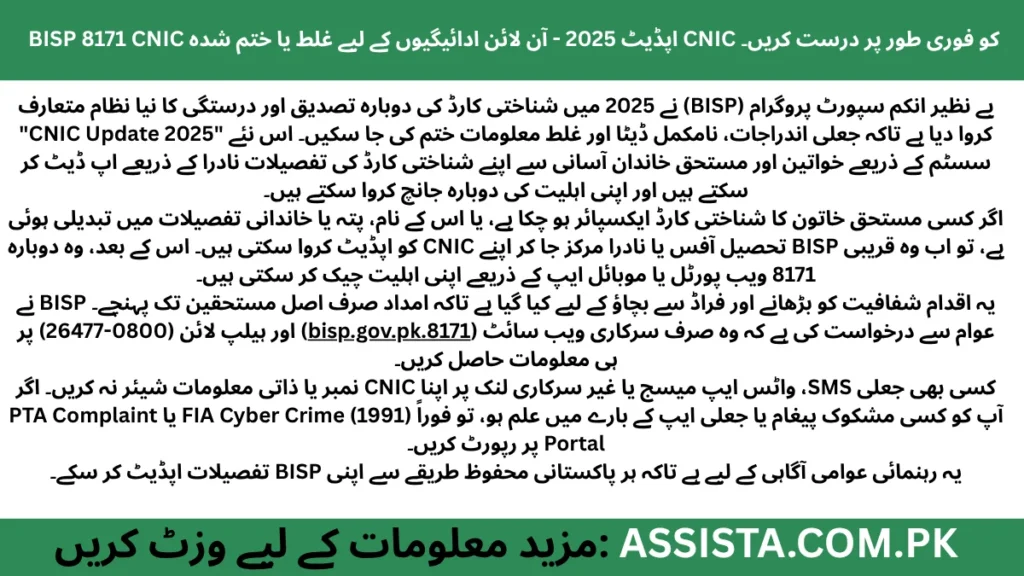
BISP 8171 CNIC Update FAQs 2025
Complete guide to updating your CNIC for uninterrupted BISP payments
This FAQ provides comprehensive information about updating your CNIC details for BISP 8171 payments, ensuring you maintain eligibility and receive payments without interruption.
⚠️ Important Notice
Expired CNICs automatically block BISP payments. Update your CNIC at least one month before expiration to avoid payment disruptions.
You have multiple options to update your CNIC for BISP:
NADRA Office
Visit nearest NADRA center for renewal
BISP Portal
Update online via 8171.bisp.gov.pk
SMS/WhatsApp
Use 8171 service for updates
Partial updates only. The online options have limitations:
- Minor corrections: Name spellings, contact details can be updated online
- BISP Portal: Can sync updated NADRA data automatically
- 8171 Service: Can update contact information
Typically, verification takes 3–5 working days after NADRA updates.
Factors affecting verification time:
- NADRA-BISP data synchronization speed
- Completeness of your application
- Current system workload
- Your geographical location
Yes, absolutely. Expired CNICs automatically halt BISP payments.
Payment status with expired CNIC:
- Payments are blocked immediately upon expiration
- No payments processed until CNIC is renewed and verified
- Pending payments are held until verification completes
- No payments are lost – all held payments release after verification
Download the official CNIC update form from:
- Official Website: bisp.gov.pk (Forms section)
- BISP Portal: 8171.bisp.gov.pk
- Local Offices: BISP Tehsil Centers
Required documents for CNIC update:
Required Documents
Yes, but with specific requirements:
- Legal authorization letter from the beneficiary
- Your original CNIC and photocopy
- Beneficiary’s original CNIC and documents
- Proof of relationship (if family member)
Both NADRA and BISP verify authorization before processing updates.
Multiple ways to verify your CNIC update status:
SMS Service
Send CNIC to 8171
BISP Portal
Login to 8171.bisp.gov.pk
Helpline
Call 0800-26477
Official BISP WhatsApp service
Fee structure for CNIC updates:
- NADRA Renewal: Standard NADRA fees apply (varies by CNIC type)
- BISP Updates: Completely free – no charges for data synchronization
- Form Download: Free from official sources
- Support Services: Free through all official channels
Immediate steps to correct wrong CNIC details:
- Submit a BISP data correction request online via portal
- Visit your local Tehsil Center with correct documents
- Provide correct CNIC details and supporting documents
- Request immediate correction to avoid payment issues
Correction typically takes 3–5 working days to process.
Official BISP Support Channels
- Helpline: 0800-26477
- SMS Service: Send CNIC to 8171
- Website: 8171.bisp.gov.pk
- NADRA: Visit nearest NADRA center
Still Confused or Need Help?
If you’re unsure about your eligibility, registration process, or want direct updates from our team — join our official WhatsApp Channel where we share all latest BISP 8171 and government scheme updates step-by-step.
Tap the button below to join our verified WhatsApp channel.
💬 Join WhatsApp ChannelStay updated — we’ll guide you until your BISP or government application process is successfully completed.
Disclaimer / اطلاع برائے عوام
English: This article has been prepared by Saleh Ashraf for public awareness regarding BISP 8171 CNIC Update 2025 re-verification, correction, and fraud prevention. It is not officially affiliated with the Benazir Income Support Programme (BISP) or any government department. For accurate verification, always use the official BISP portal or call the verified helpline 0800-26477.
Roman Urdu (اہم نوٹ): Yeh maloomat sirf public awareness ke liye hai. Is website ka BISP ya kisi hukoomati idaray se koi ta’alluq nahi hai. Apni asal tasdeeq sirf 8171.bisp.gov.pk ya BISP helpline par karein. Kisi bhi WhatsApp message, 03xx number ya fake link par apna CNIC ya personal data share na karein.
Report Fraud: Agar aapko koi suspicious call, SMS, ya fake app mile jo BISP 8171 ka dawa kare, report karein: PTA Complaint Portal, call FIA Cyber Crime (1991), ya apne qareebi BISP Tehsil Office par jaaen.
🔗 Visit Official BISP Website
Saleh Ashraf
Founder of Assista.com.pk
Hi, I’m Saleh Ashraf — a passionate blogger, researcher, and digital educator with over 7 years of experience in blogging, online awareness, and government program analysis. I started Assista.com.pk to help people across Pakistan better understand and benefit from the BISP 8171 Program and other national welfare schemes.
My goal is simple: to make sure every visitor gets clear, verified, and step-by-step guidance about registrations, payments, and updates related to government initiatives. With a strong background in research and content writing, I ensure every article published here is reliable, practical, and genuinely useful for the public.
Beyond BISP 8171, I also share updates on Ehsaas Program, utility relief schemes, and government financial support systems, empowering families to access the help they deserve with confidence and clarity.
📍 Based in Pakistan
💼 Government Awareness Blogger | BISP Program Researcher
🔔 Your trusted source for verified welfare updates and guidance across Pakistan.


12 thoughts on “BISP 8171 CNIC Update 2025 – Quickly Fix Wrong or Expired CNIC for Payments Online”